


Attend and Bid at Live GSA Fleet Auctions Right Next to the Professional Dealers
Step-by-Step Instructions on How to Find, Bid and Win at a Live GSA Fleet Auction
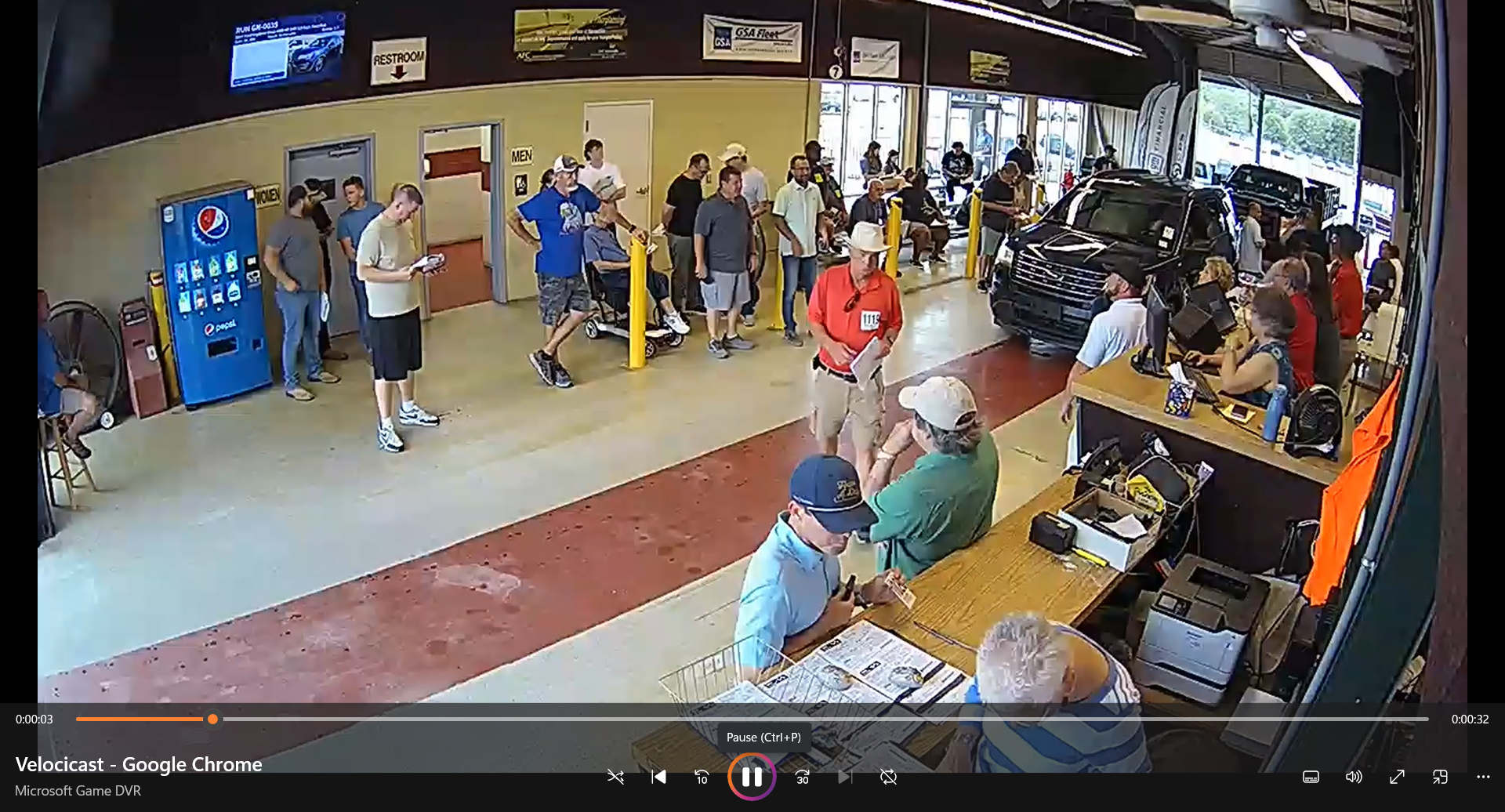
You do not need to be an automobile dealer to buy vehicles at live GSA Fleet auctions. These are public auctions, and eligible buyers who complete the required registration steps can bid right next to professional dealers inside the same commercial auction facilities.
The buildings may look like dealer-only environments, but when a GSA Fleet sale is designated as a public sale, members of the public can participate under the terms established for that particular auction.
Everything starts at the GSA Fleet Marketplace. Create your bidder account at gsafleet.gov/signup. This gives you access to upcoming auctions, inventory, inspection information and sale locations. Set up your account early so you're ready when the right vehicle appears.
Next, check the official GSA Fleet Sales Calendar at marketplace.gsafleet.gov/sales/calendar. Upcoming GSA Fleet sales are listed there along with information about the individual auction.
Many live sales are conducted at commercial automobile auction facilities across the country. Because the sale takes place inside one of these facilities, you may also need to complete the facility's registration process in addition to your GSA registration.
This is an important step.
The commercial auction company operates the building, auction lanes, bidding system and buyer-verification process. Follow the registration instructions published for the specific GSA sale you want to attend.
Why Buyers Watch GSA Fleet Vehicles
GSA Fleet vehicles attract buyers because they come from structured federal fleet programs. Many are one-owner government vehicles that have spent their service lives within managed federal fleets.
Some spent their careers assigned to administrative offices, airports, military installations or specialized government programs where annual mileage may have remained relatively low. With certain trucks and specialized equipment, operating hours can be just as important as mileage.
Government agencies also retire vehicles for many reasons beyond mechanical failure. Age, fleet replacement schedules, utilization, changing operational requirements and inventory adjustments can all result in a vehicle being removed from federal service.
That can create an interesting combination at auction: one-owner government fleet vehicles, documented government use, potentially low mileage or operating hours, and vehicles being retired because the government no longer needs them—not necessarily because they have reached the end of their useful lives.
Government ownership, however, is not a guarantee of condition. Some federal vehicles have experienced light administrative use, while others have endured substantial idling, demanding assignments, harsh environments or heavy use.
That's why inspection matters.
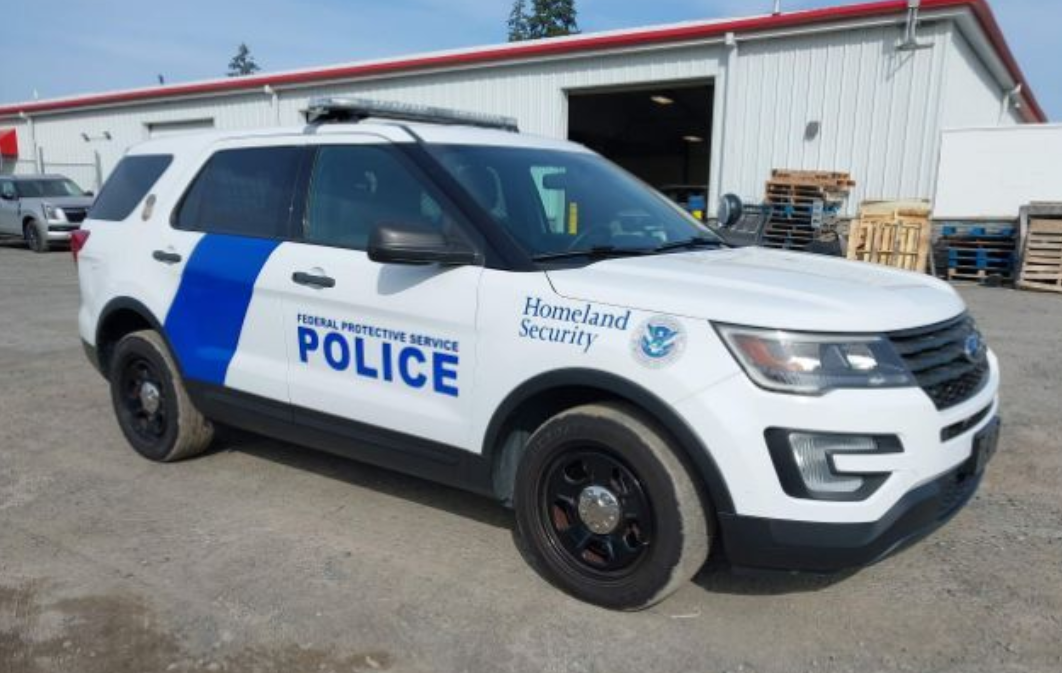
Inspect Before You Bid
Inspection day is essential.
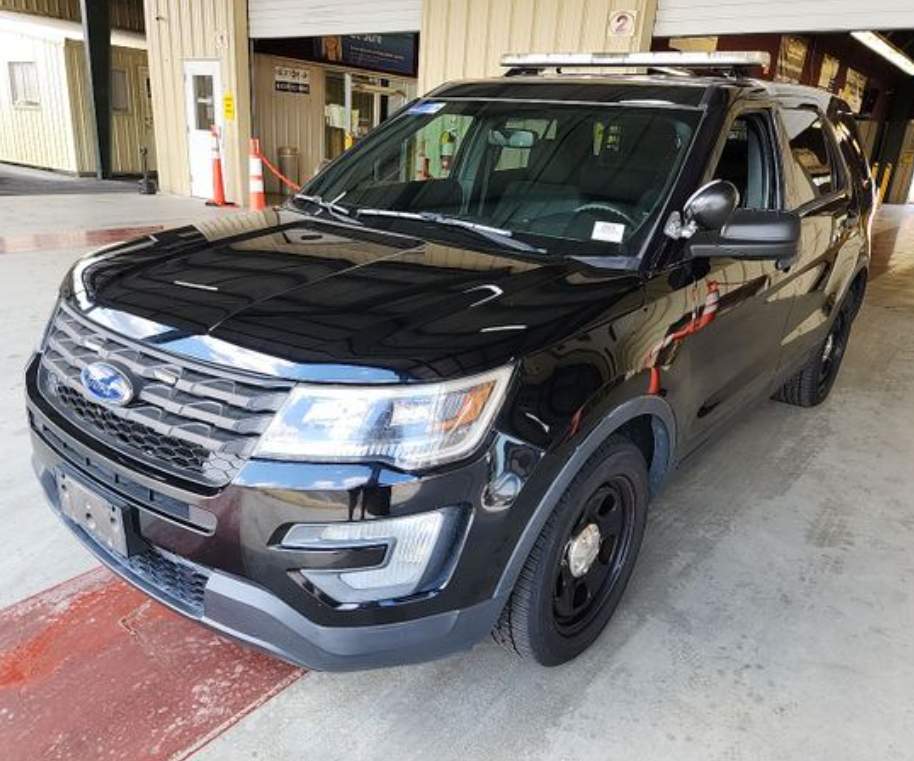
The inspection window gives you an opportunity to examine tires, interior wear, warning lights, body condition and any remaining or removed government equipment.
Pay attention to more than the odometer. A vehicle that spent considerable time idling can have relatively low mileage while still accumulating significant engine hours.
Remote buyers should carefully study the photographs, announcements, condition information and other documentation provided for the vehicle.
Get Your Bidder Number
Once you've completed the registration requirements for the commercial auction facility, approved bidders receive credentials for the sale.
Your bidder number identifies you within the live auction system as vehicles move through the lane.
Now you're ready for the part most people never realize is available to them.
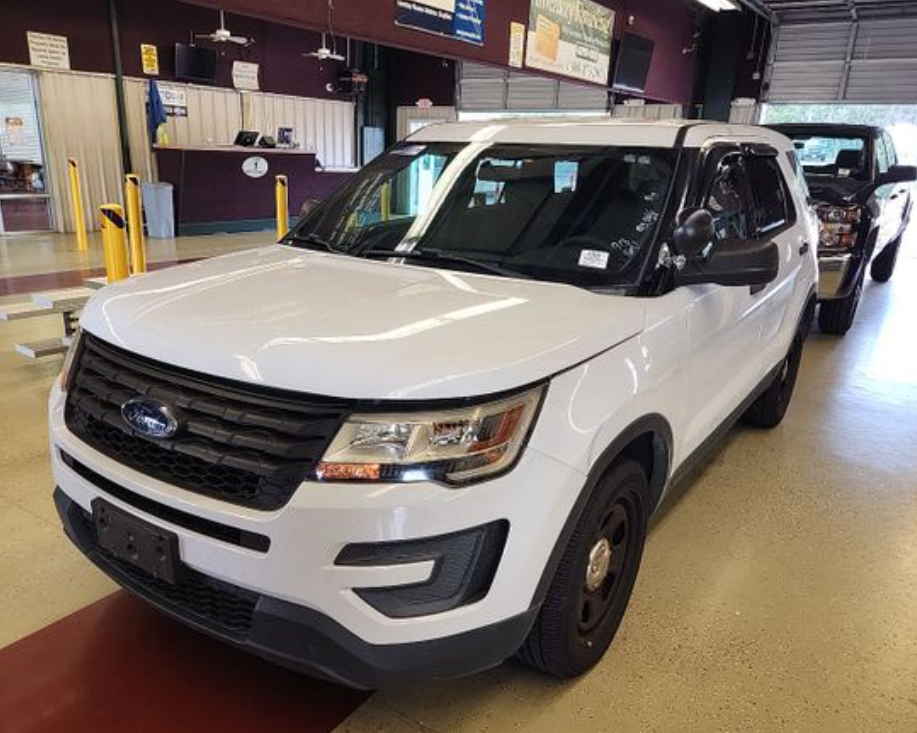
Bid Right Alongside the Dealers
Live automobile auctions move quickly.
Vehicles enter the lane, the auctioneer calls for bids, the price moves and another vehicle follows immediately afterward.
There is very little time to research once bidding starts.
Your homework needs to happen beforehand: know the vehicles you're interested in, establish your maximum price, understand the fees and pickup requirements, and be ready when your vehicle enters the lane.
When live online bidding is available, the interface can allow approved remote bidders to follow the sale in real time. Depending on the auction platform, bidders may see the current vehicle, photographs, mileage, equipment, condition information, bidding activity and vehicles approaching the lane.
You don't necessarily have to be standing inside the building to participate in the live sale.
What Happens When You Win?
Winning the bid begins the purchase process.
The auction company provides instructions covering payment, documentation, title processing, vehicle pickup and removal deadlines.
Read these requirements before you bid.
Every sale can have its own requirements, and transportation costs matter if you're buying a vehicle hundreds of miles from home.
The winning bid isn't necessarily your total acquisition cost. Know the applicable terms before deciding how high you're willing to go.
The Biggest Misconception
This is the part worth remembering.
A GSA Fleet auction can take place inside a commercial automobile auction facility filled with professional dealers without the GSA public sale itself being dealer-only.
Don't determine whether you can participate based on the building.
Determine it from the official instructions for that particular GSA Fleet sale.
Complete your GSA registration, follow the host auction facility's registration requirements, inspect the vehicles when possible and obtain the credentials required to bid.
Once you've done that, you're no longer standing outside wondering how the dealers get into these auctions.
You're bidding right alongside them.
Ready to Try One?
Start by creating your account at gsafleet.gov/signup.
Then check upcoming sales at marketplace.gsafleet.gov/sales/calendar.
Find the auction you want to attend, read its instructions, complete any required host-facility registration, inspect the vehicles, learn the bidding platform and establish your maximum bids before auction day.
These sales aren't just something to watch from the outside. When a GSA Fleet auction is open to the public and you meet its requirements, you can register, walk into the auction—or log into the live bidding system—and compete for the same GSA Fleet vehicles moving through the lane.